custom help center

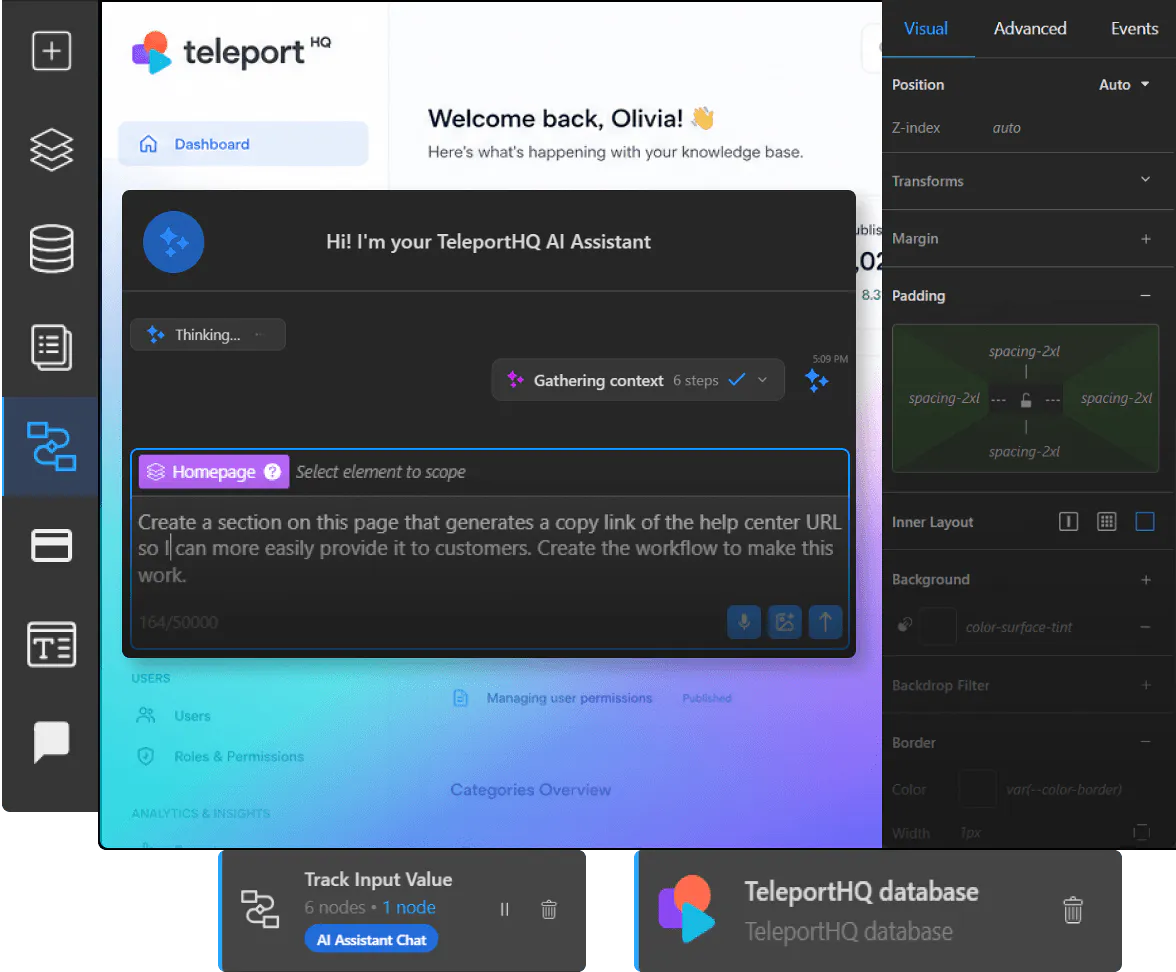
How your system is built
Create and manage your knowledge base step by step
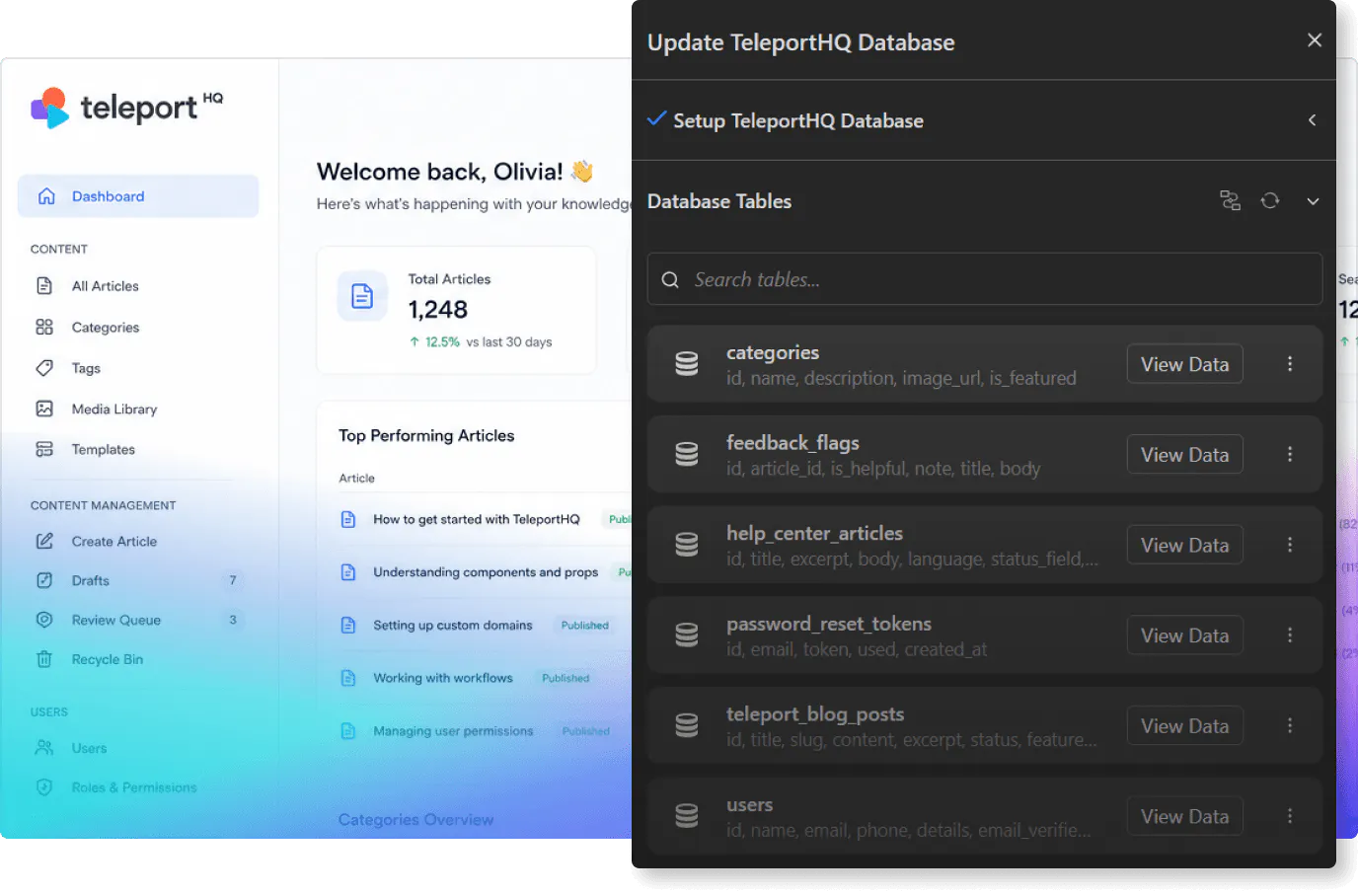
TeleportHQ allows you to build knowledge base systems that connect content, users, and workflows. You define how information is structured and how users access it.1. Set up your dataCreate databases for articles, categories, tags, and support content using structured data models.
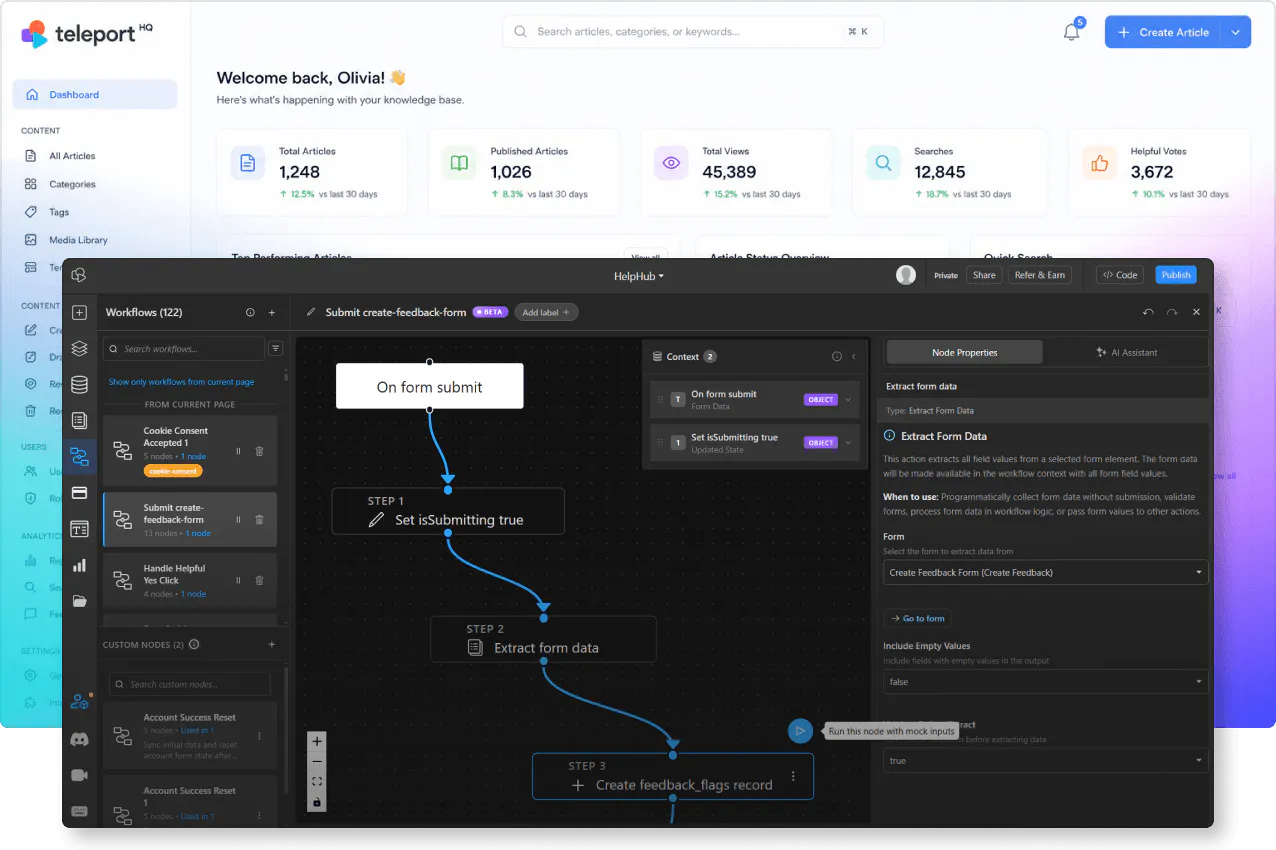
2. Define workflowsAutomate content updates, publishing, organization, and support-related processe.
3. Design the interfaceBuild article pages, search views, and navigation systems using the visual editor with AI support.
4. Manage and scaleUse the admin panel to manage content, monitor activity, and expand system functionality.
Built for content and support
Key knowledge base capabilities you can build and control
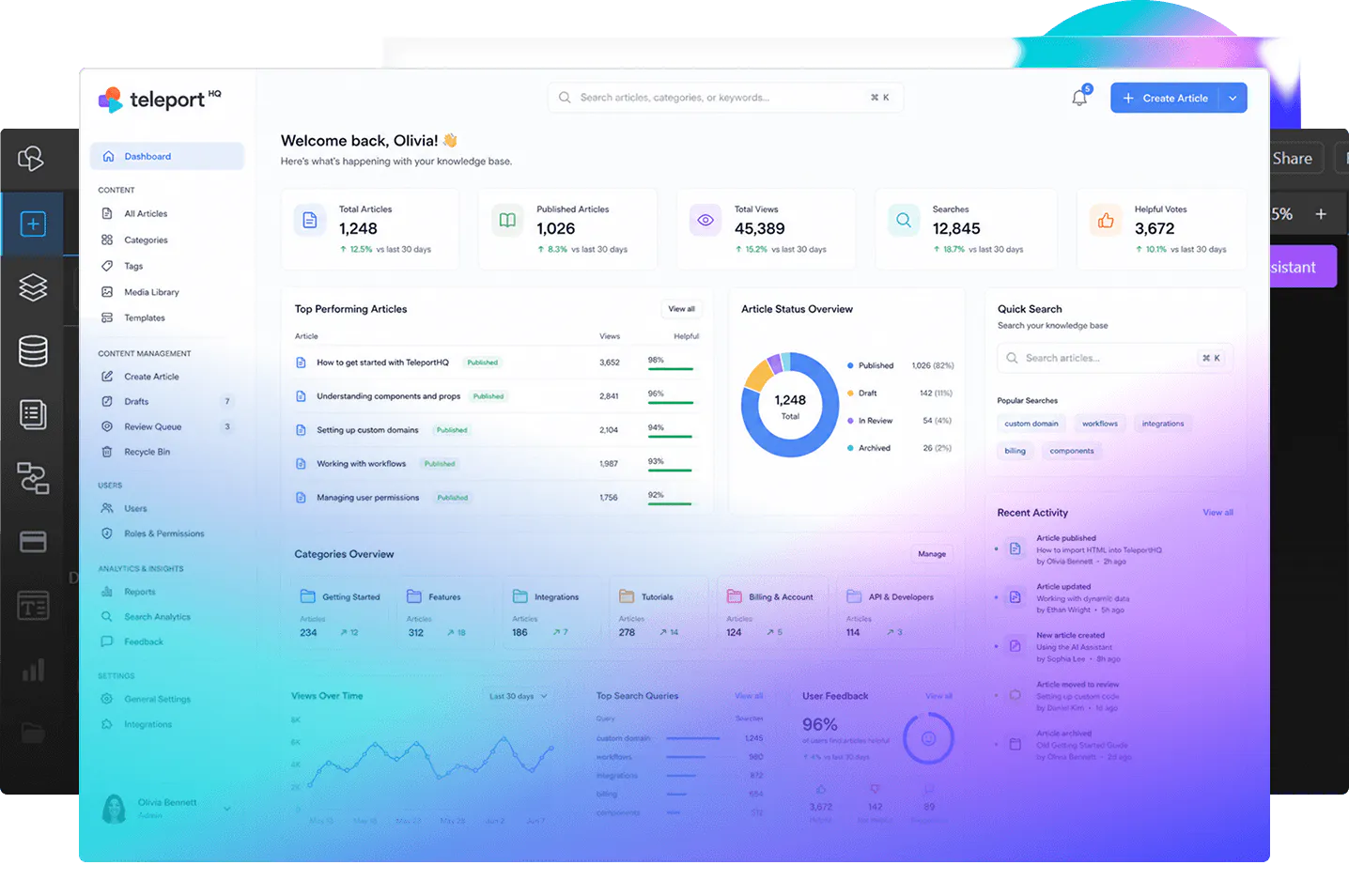
TeleportHQ allows you to create knowledge base systems that manage documentation, support content, and user access. You control how content is structured and delivered.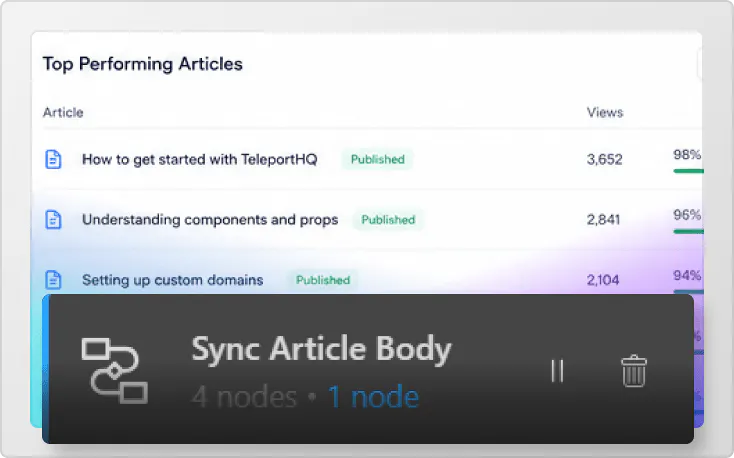
Content management
Store and manage articles, guides, and documentation using structured data models and relationships.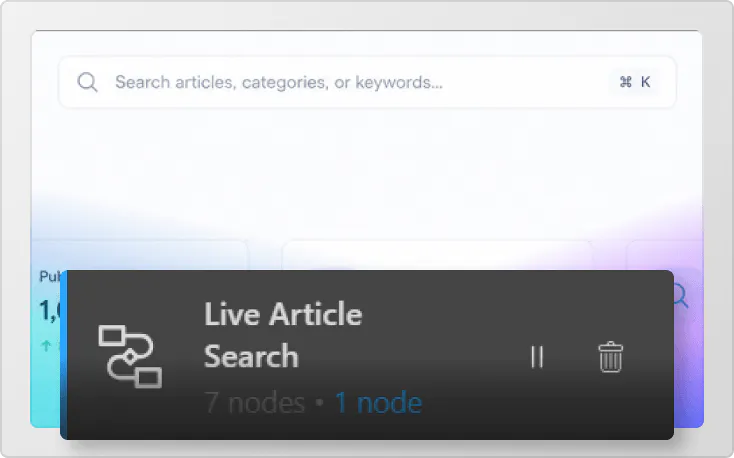
Search functionality
Enable users to search and find content using structured data and indexed information systems.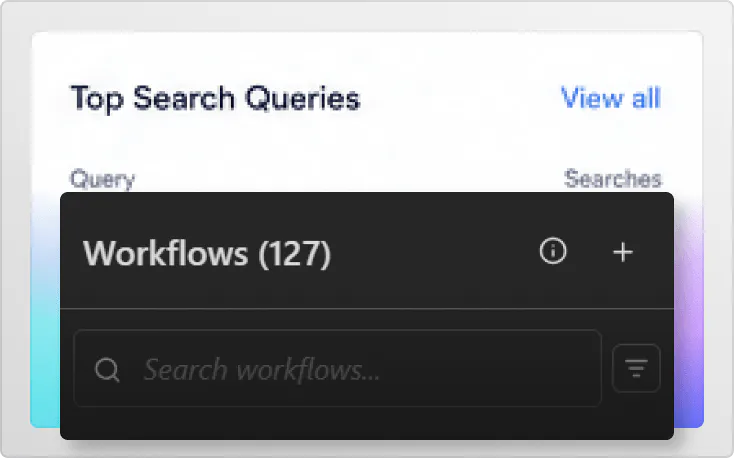
Workflow automation
Automate content updates, publishing, and organization using workflow-based logic.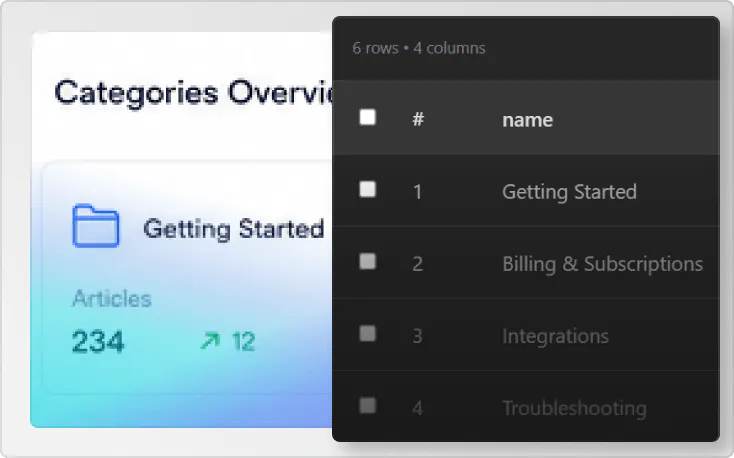
Content categorization
Organize articles using categories, tags, and structured relationships across your system.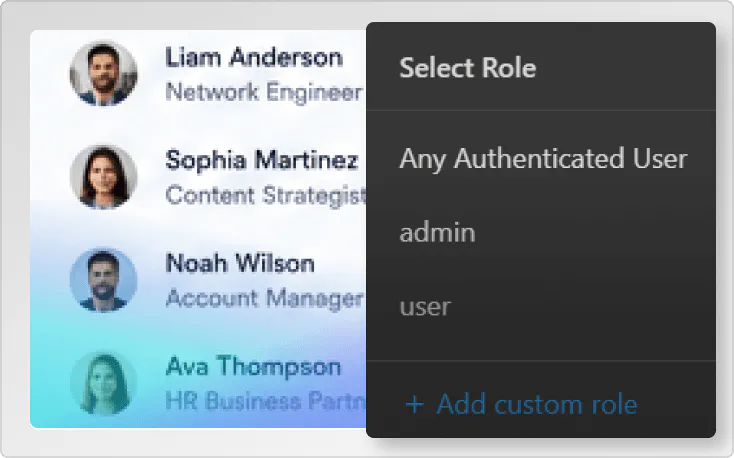
User roles and permissions
Control access to content and management features based on user roles.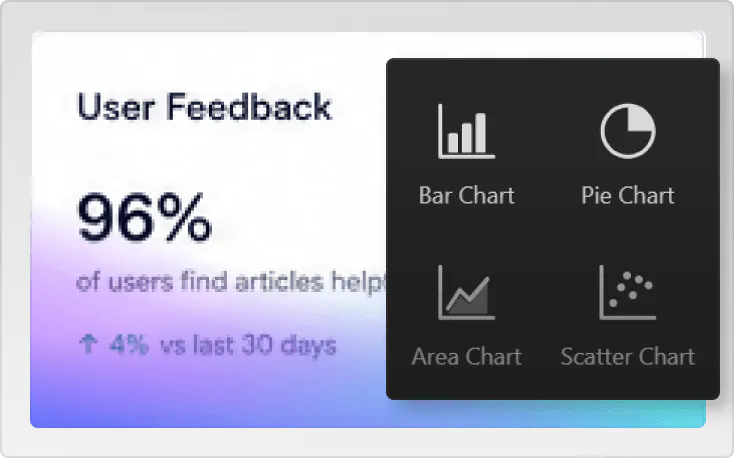
Reporting and insights
Generate reports using content activity, user interactions, and system metrics.Support different content needs
Knowledge base systems for different use cases
Knowledge base systems can support documentation, support content, and internal knowledge sharing. With TeleportHQ, you can build systems that match your content workflows.Start creating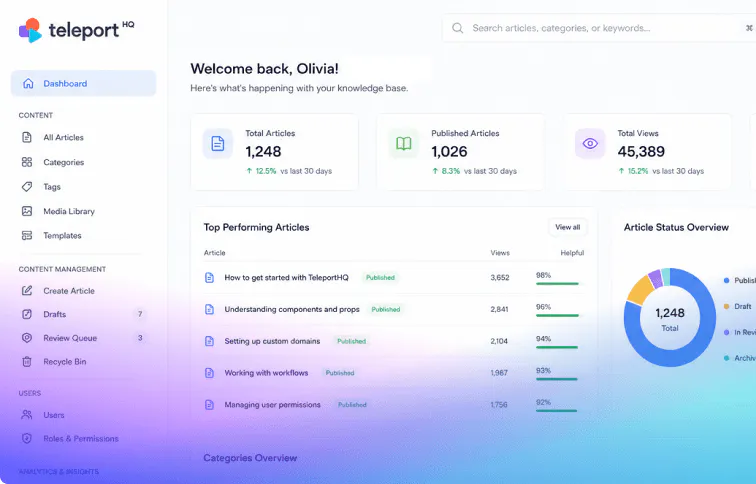
Customer support help centers
Build systems where users can access FAQs, guides, and troubleshooting content. Use structured data and workflows to manage content updates and improve support processes.Customer support help centers
Build systems where users can access FAQs, guides, and troubleshooting content. Use structured data and workflows to manage content updates and improve support processes.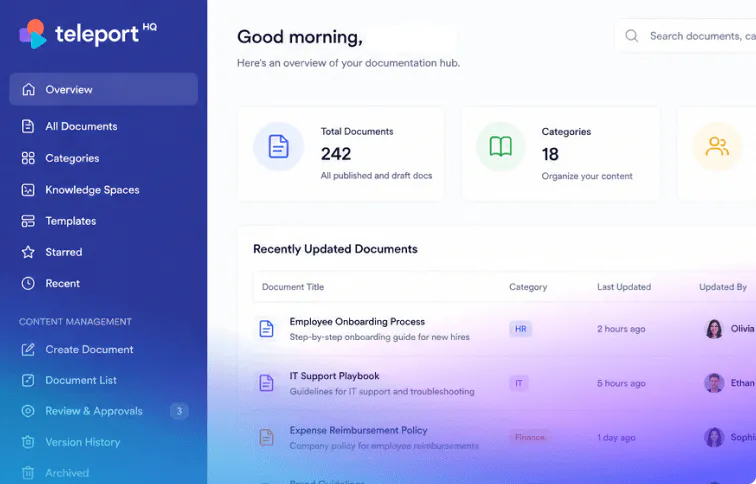
Internal documentation platforms
Create platforms where teams can access internal guides, resources, and documentation. Use structured data and workflows to organize content and control access.Internal documentation platforms
Create platforms where teams can access internal guides, resources, and documentation. Use structured data and workflows to organize content and control access.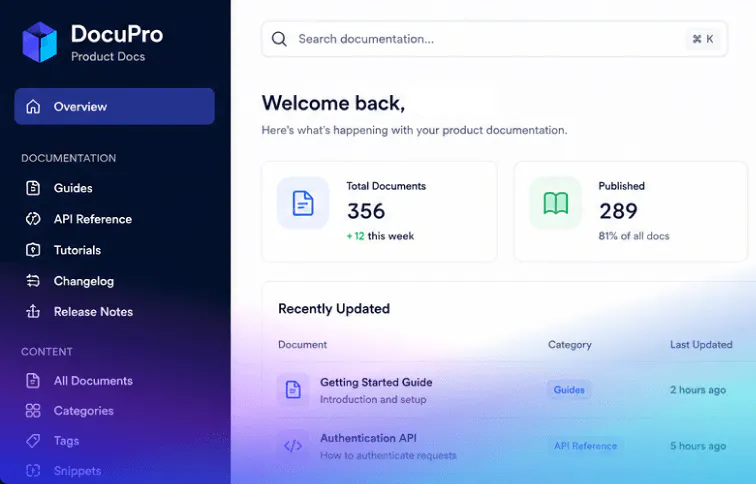
Product documentation systems
Develop systems where product features, usage guides, and updates are documented and shared. Use workflows to manage publishing and content updates.Product documentation systems
Develop systems where product features, usage guides, and updates are documented and shared. Use workflows to manage publishing and content updates.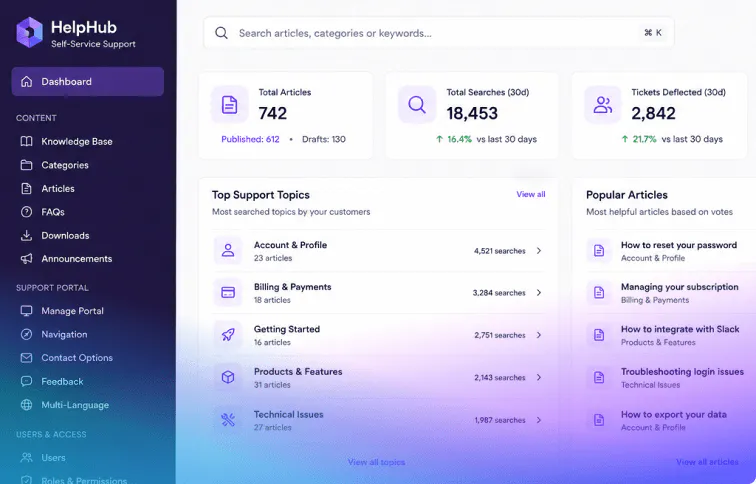
Self-service support portals
Build tools where users can find answers and resolve issues without direct support. Use structured data and workflows to manage content delivery and user interaction.Self-service support portals
Build tools where users can find answers and resolve issues without direct support. Use structured data and workflows to manage content delivery and user interaction.No restrictions on structure
You can customize data structures, workflows, and interfaces to match your content strategy and expand the system over time.
Build your Knowledge base
Build knowledge bases around your content
TeleportHQ allows you to define how your knowledge base works at every level.You can customize data structures, workflows, and interfaces to match your content strategy and expand the system over time.
Build your Knowledge base
Extend your system capabilities
Combine knowledge bases with platform features
TeleportHQ connects your knowledge base with other features, allowing you to expand functionality and automate content management. Visual editorDesign article pages, navigation systems, and layouts using a flexible visual editing environment.
 AI AssistantGenerate content structures, workflows, and layouts using prompts.
 WorkflowsAutomate content updates, publishing, and organization using structured workflow logic.
 Admin panelManage content, users, and system activity through a centralized admin interface.
 DatabasesStore articles, categories, and content data using structured and scalable database systems.
 AuthenticationControl access to content and features using secure user authentication systems.
Control your content systems
A flexible way to build help center platforms
TeleportHQ allows you to create knowledge base systems that connect directly to your data and workflows. You control how content is managed, how users access information, and how your system evolves.AI-assisted development
Workflow automation
Built-in databases
Full frontend control
Scalable architecture
Custom content logic
Faster iteration cycles
Create knowledge bases that support your users
Build and manage help center platforms with control over data, workflows, and interface. TeleportHQ gives you the tools to create systems that scale with your content.Get started for free