
Instant ADMIn setup
Launch your admin panel in minutes
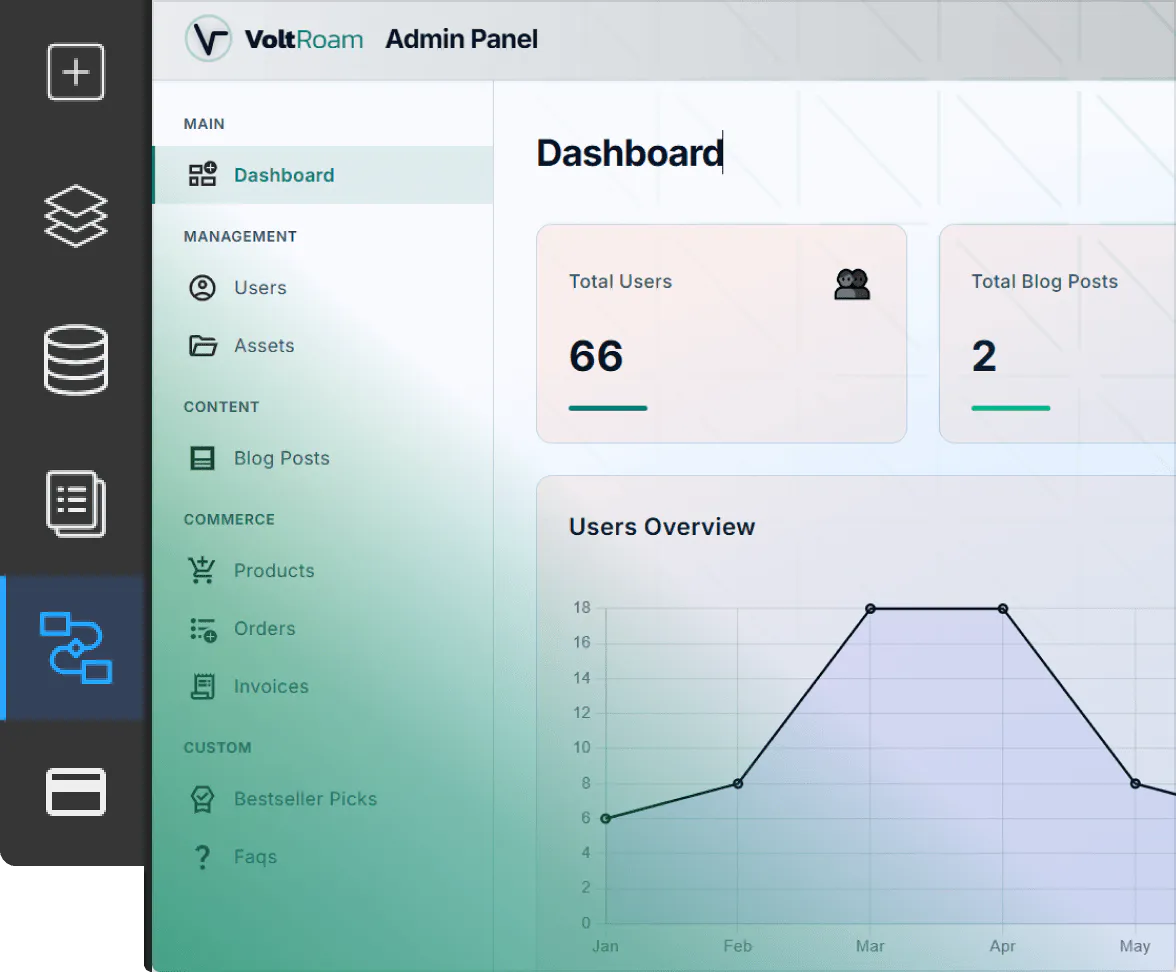
TeleportHQ removes the complexity of building admin systems by automatically generating the structure, logic, and data connections needed to manage your application. Once enabled you can start managing your app without having to visit the TeleportHQ editor.
Launch your admin panel in minutes
TeleportHQ removes the complexity of building admin systems by automatically generating the structure, logic, and data connections needed to manage your application. Once enabled you can start managing your app without having to visit the TeleportHQ editor.1. EnableActivate the admin functionality with one click and instantly create a dashboard from where you can manage your entire project.
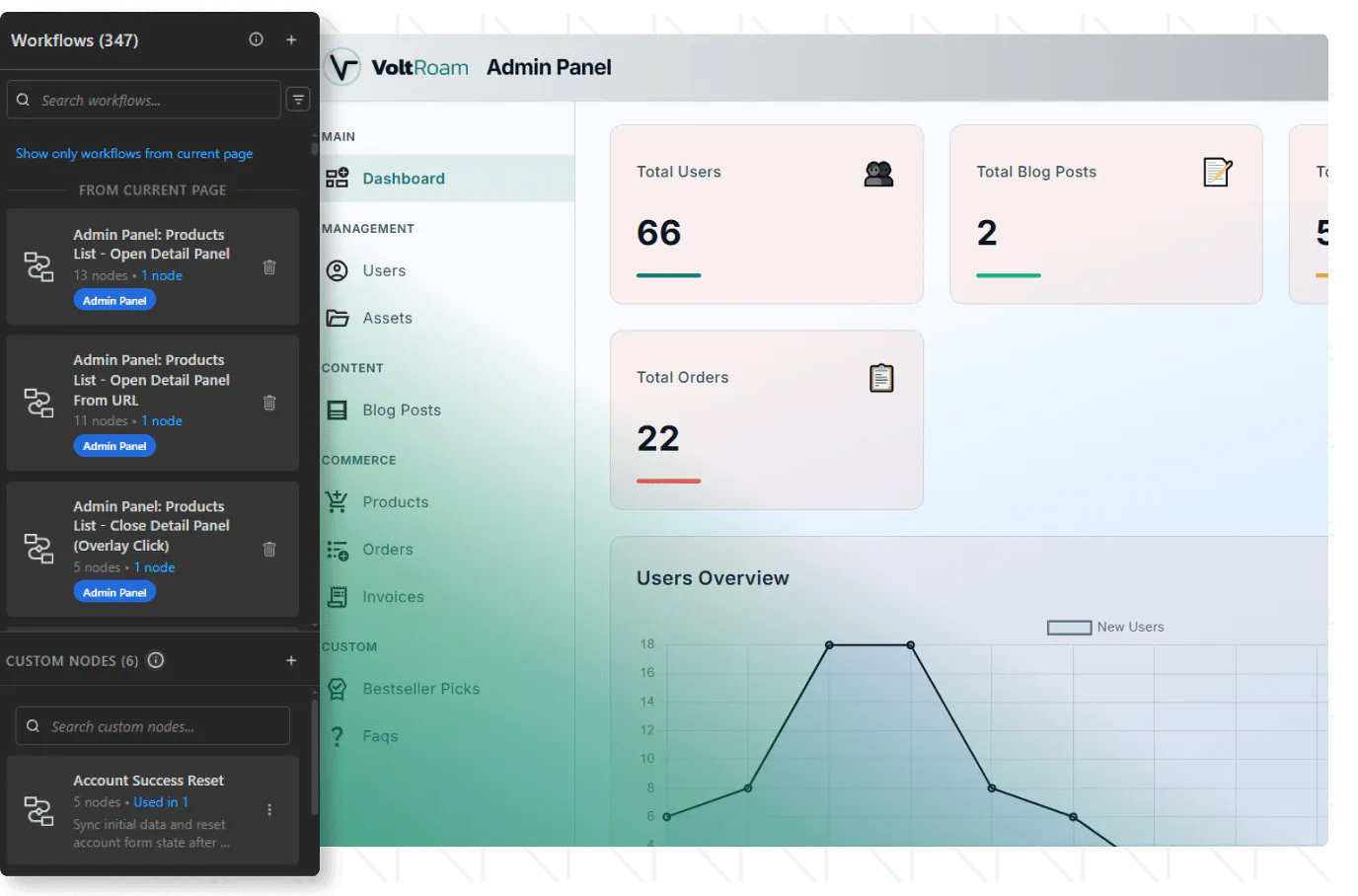
2. Automatic setupTeleportHQ generates admin pages, connects data sources, and creates workflows to handle operations like content management and reporting.
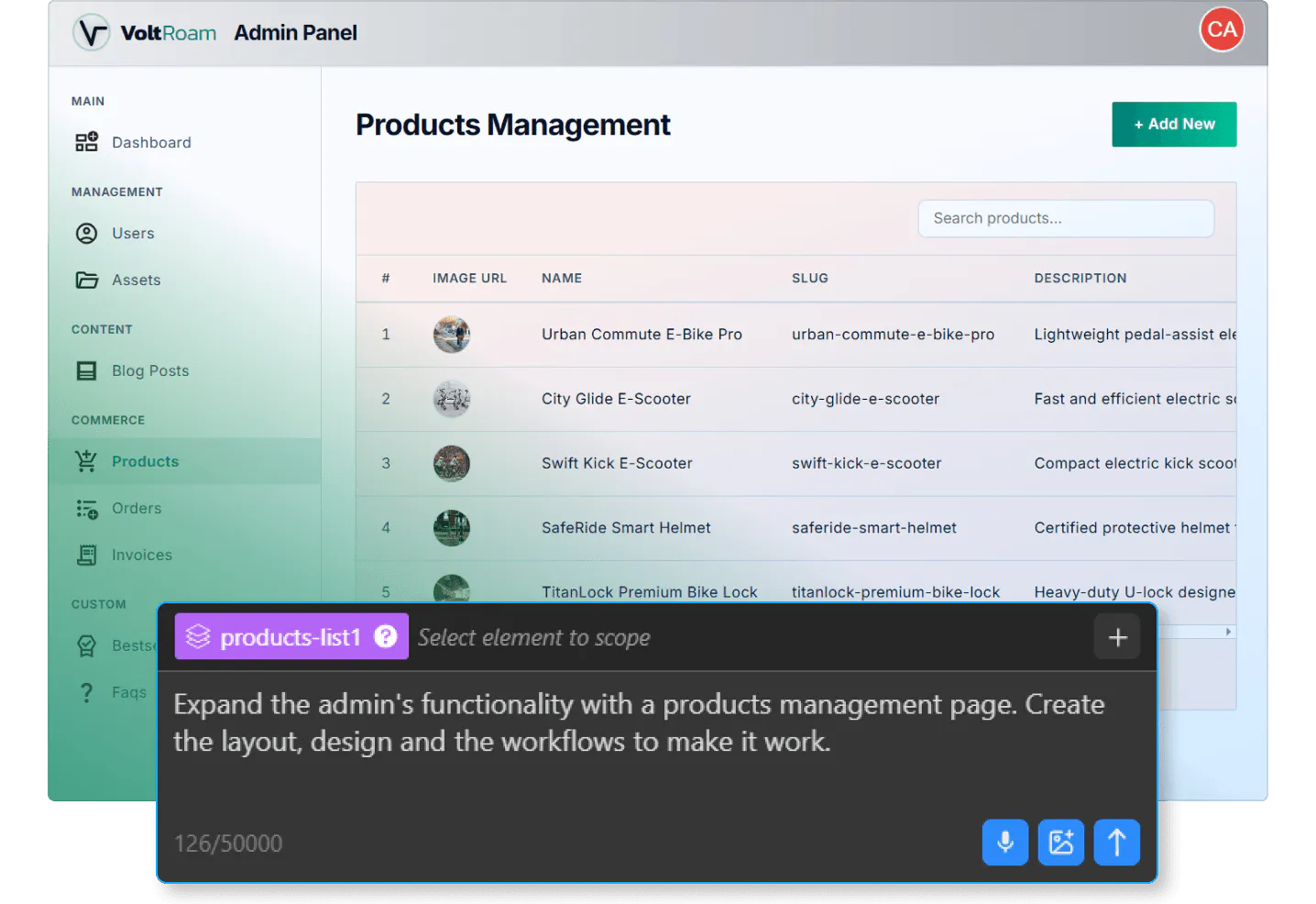
3. CustomizeExtend your admin to cover custom app functionalities, customize layouts, and refine workflows using the visual editor and AI assistant.
Centralized app management
From this dashboard, authorized users can manage content, ecommerce operations, AI chat systems, and more without accessing the TeleportHQ editor.
The admin system is designed to simplify complex operations while still giving you full control to extend and customize it based on your project’s needs.
Build a complete admin dashboard for your application
TeleportHQ automatically generates a fully functional admin panel that connects directly to your app’s data, workflows, and features.From this dashboard, authorized users can manage content, ecommerce operations, AI chat systems, and more without accessing the TeleportHQ editor.
The admin system is designed to simplify complex operations while still giving you full control to extend and customize it based on your project’s needs.
Everything in one dashboard
Manage every part of your app from a single interface
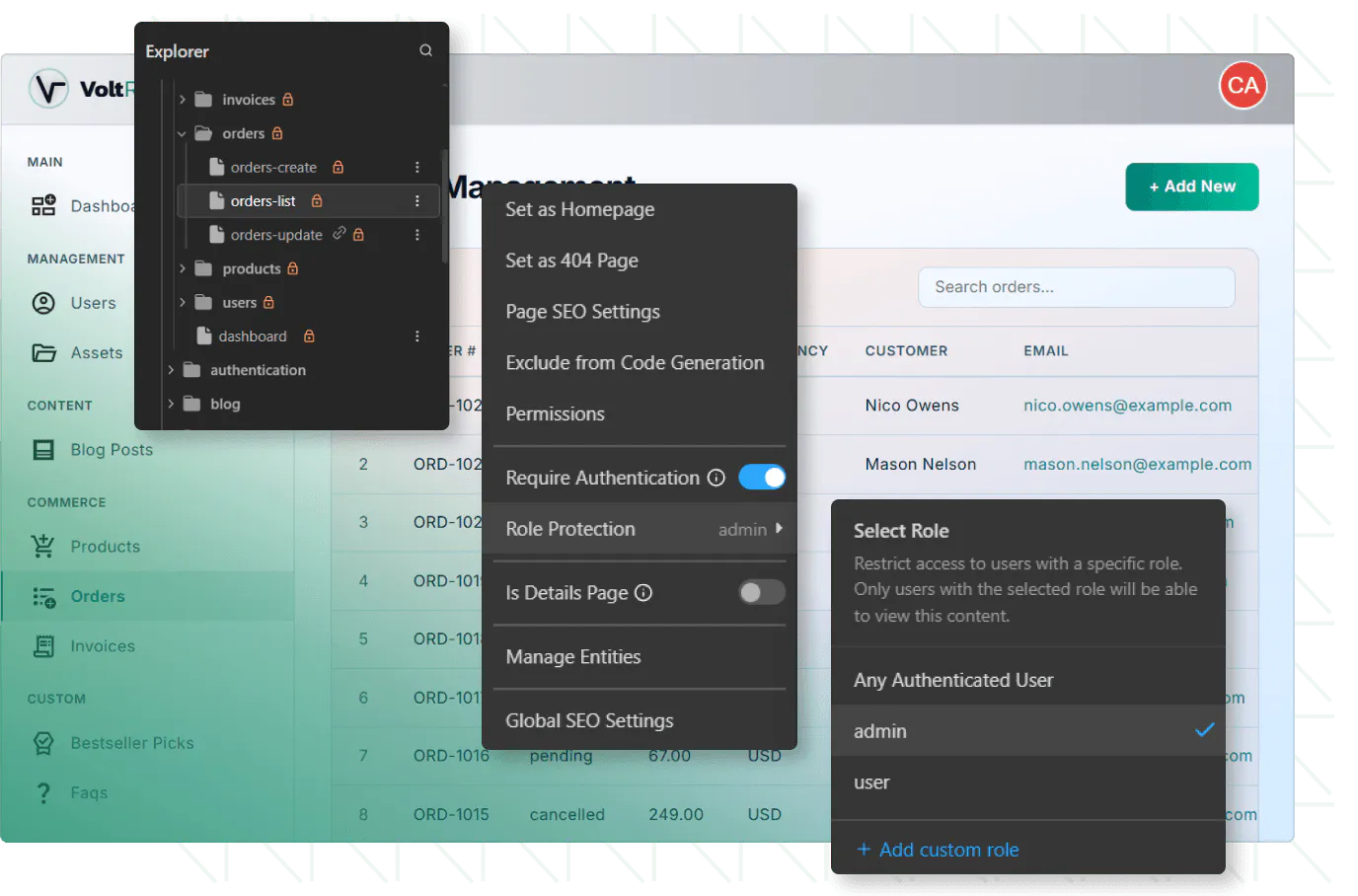
TeleportHQ Admin gives you access to all critical areas of your application in one place. Each section is connected to your data and workflows, allowing users to manage operations efficiently. Manage default TeleportHQ supported systems as well as the custom ones you create for your app.Get startedEcommerceManage products, orders, and store operations without accessing the TeleportHQ editor.
Chat messagesView and manage AI chat conversations directly from the admin panel.
Blog postsCreate, edit, publish, or unpublish blog content directly from the admin dashboard.
Custom app dataSet up management systems for whatever type of app you are building.
InvoicesAccess and manage invoices generated through your ecommerce functionality.
Reports & statisticsBuild dashboards with statistics and generate reports based on your app data.
Simplified store management
Users can manage products, orders, and invoices directly from the admin panel without needing access to the full TeleportHQ editor.
This separation allows teams to focus on operations while you maintain control over the application structure.
Explore Ecommerce
Let your team manage ecommerce without complexity
Give administrators access to ecommerce features through a clean and focused interface.Users can manage products, orders, and invoices directly from the admin panel without needing access to the full TeleportHQ editor.
This separation allows teams to focus on operations while you maintain control over the application structure.
Explore Ecommerce
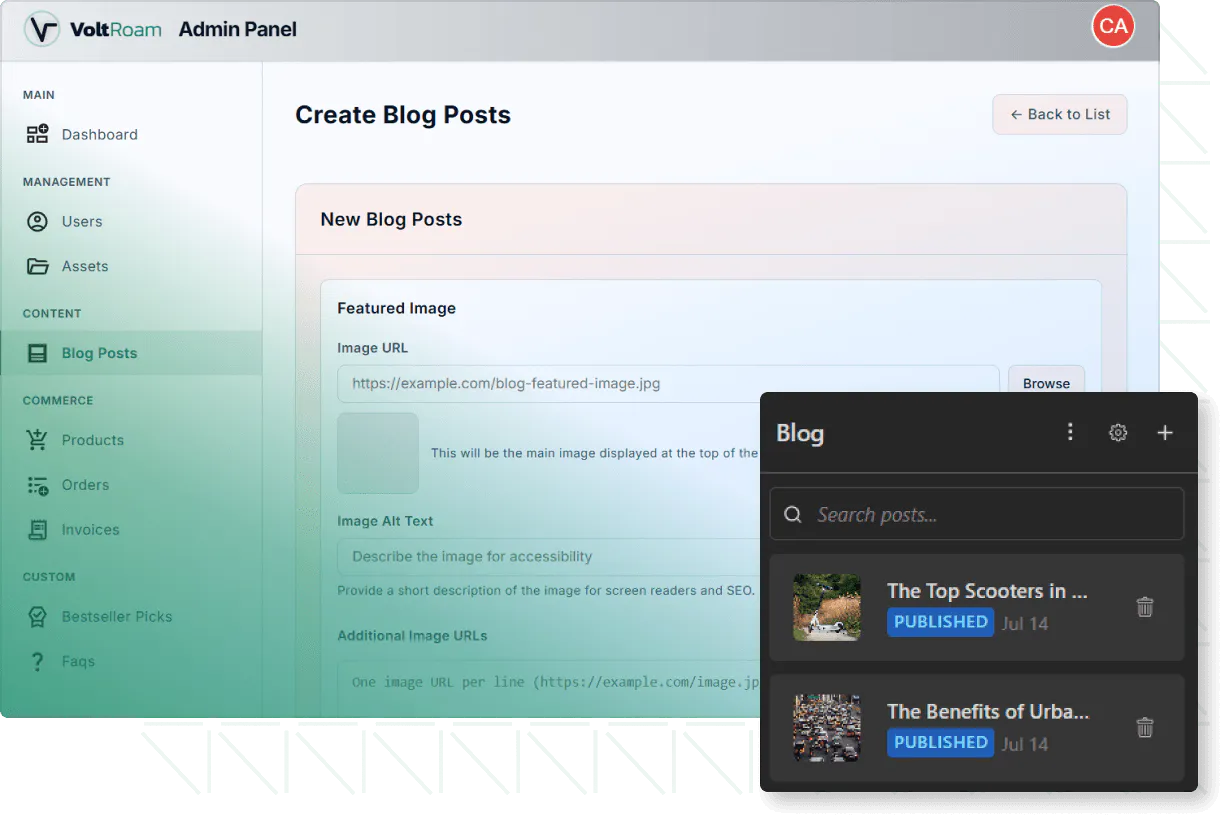
Content management made easy
Once set up, your team can manage content without accessing the TeleportHQ project, working entirely from the live application environment.Explore Blog
Empower your team to manage blog content independently
Enable users to create, edit, and publish blog posts directly from the admin panel.Once set up, your team can manage content without accessing the TeleportHQ project, working entirely from the live application environment.Explore Blog
Data-driven insights
With access to structured data from databases, you can set up workflows to build meaningful insights and track performance directly inside your app.
Build dashboards and generate reports from your app's data
Use the admin panel to create custom dashboards, visualize data, and generate reports based on your application’s activity.With access to structured data from databases, you can set up workflows to build meaningful insights and track performance directly inside your app.
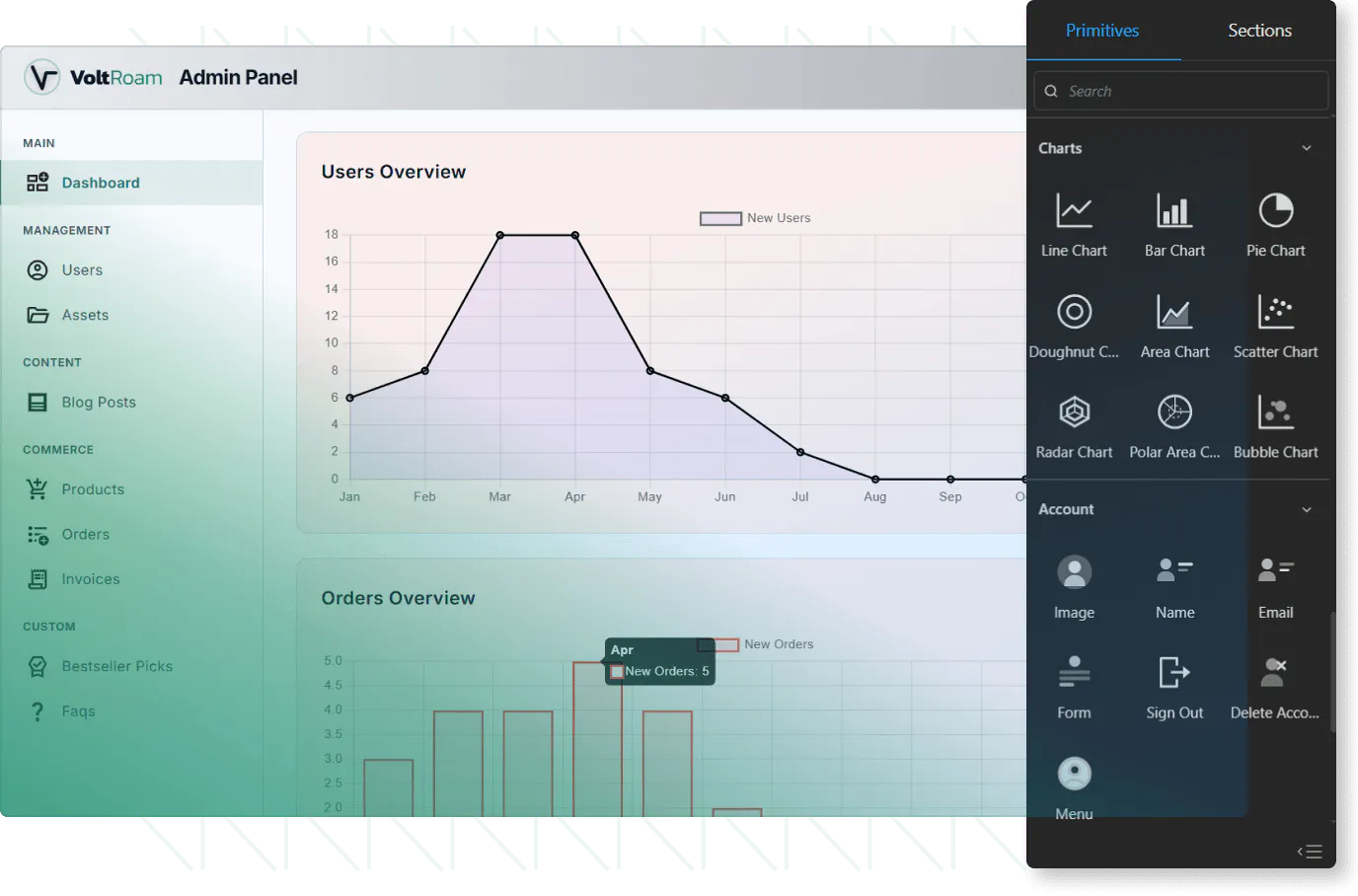
Manage your entire app from one powerful admin panel
Set up a fully customizable admin system inside TeleportHQ and give your team the tools to manage content, ecommerce, AI chat, and analytics. With built-in workflows, databases, and authentication, everything works together seamlessly—while you stay in control of the entire system.Build your admin